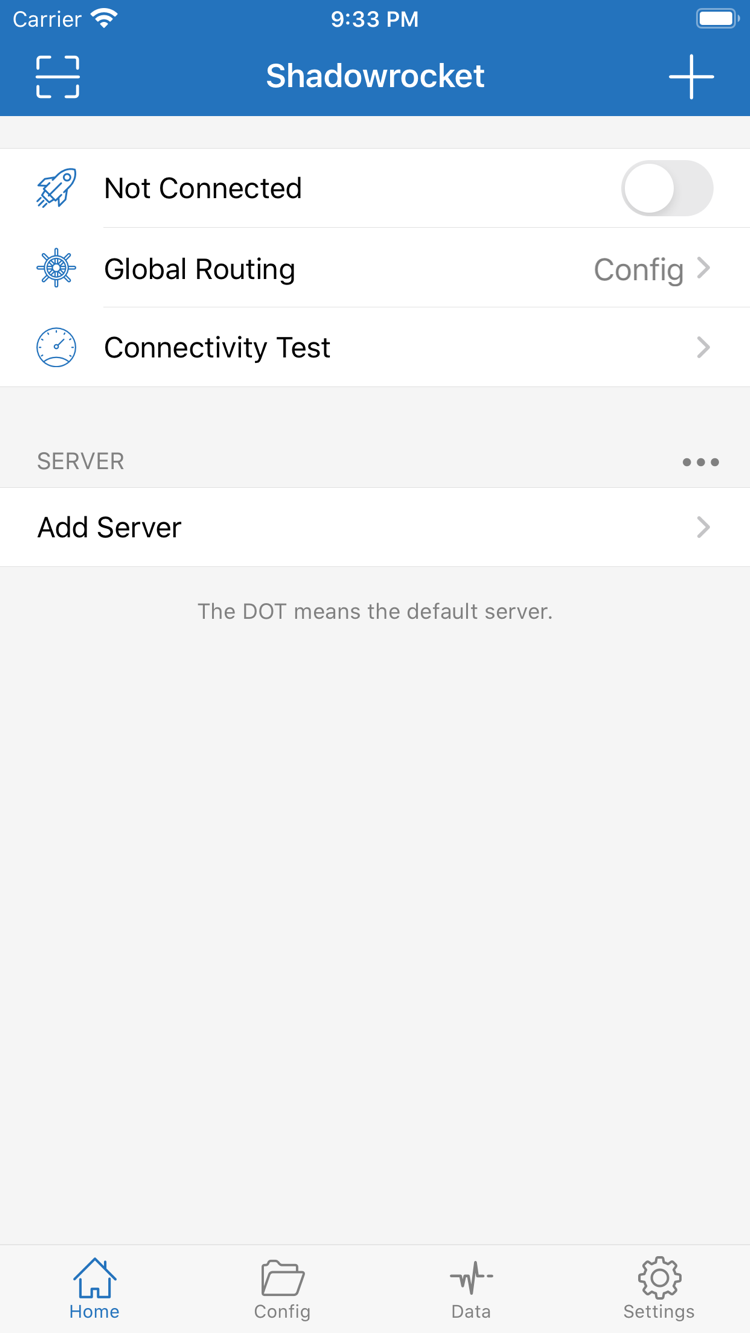
Understand the differences between server details, configuration files, and connection modes before changing individual settings.
Three Configuration Elements to Check
Server details answer “where to connect” and include the protocol, address, port, and authentication parameters. A configuration file answers “which route should each request take” and contains rules and related settings. Global Routing determines “how requests are handled right now.” Check all three. A server appearing in the list does not mean it is selected; a file appearing in Config does not mean it is the active configuration. For your first connection, select an existing server entry, then check Global Routing and the active configuration. This can prevent repeated changes that produce no clear difference.
The rules shown on this page are syntax examples. example.com illustrates matching only; it is not valid server information. PROXY, DIRECT, and REJECT are policy keywords for routing through a proxy policy, connecting directly, and rejecting requests, respectively. Choose policies based on your needs; rule length and file size alone do not indicate whether a configuration is suitable.